Buying a laptop in late 2025 is confusing. You have Intel’s “Core Ultra” chips, AMD’s Ryzen AI series, and the expensive allure of the RTX 50-series GPUs.
But you don’t need to spend $3,000 to check your email or write code. We’ve tested dozens of machines to find the three undisputed kings of their price brackets. whether you are a broke student or a senior engineer, here is what you should buy.
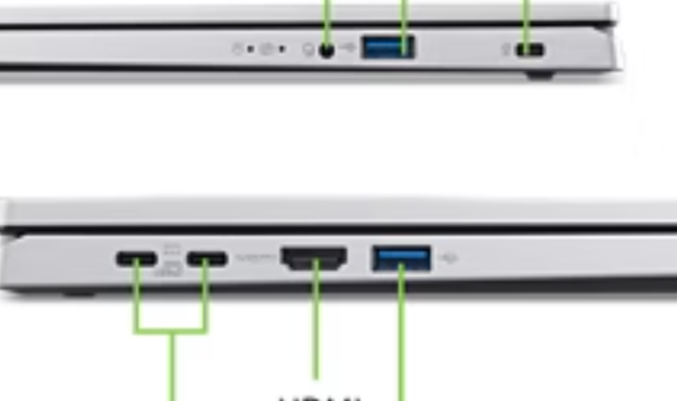
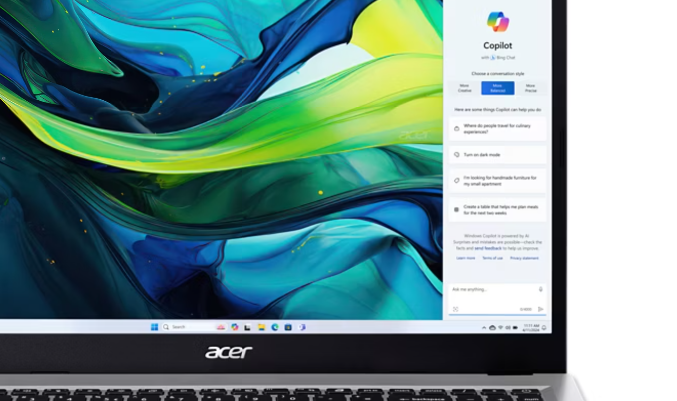
1. The Budget King (Under $500): Acer Aspire Go 15 (2025)
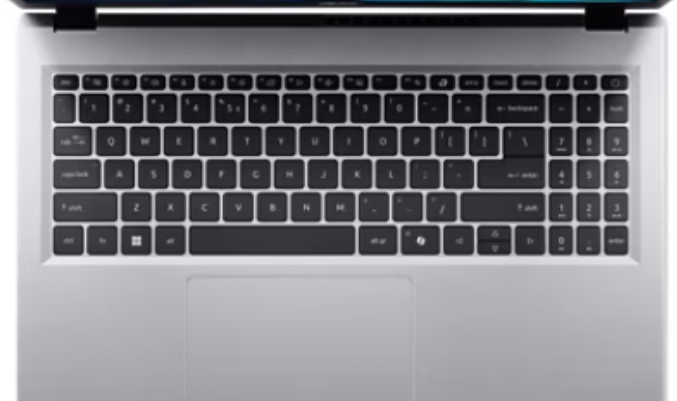
If you have $400 and need a Windows machine that doesn’t feel like a toy, this is it. The Acer Aspire Go 15 proves that cheap doesn’t have to mean “slow.”
- The Specs: Intel Core i3-N305, 8GB RAM, 256GB SSD, 1080p IPS Display.
- Why We Picked It: Most laptops under $500 have terrible 720p screens that look washed out. Acer managed to pack a sharp 1080p IPS panel and a battery that actually hits 10+ hours. It’s not a gaming machine, but for web browsing, Netflix, and Office, it flies.
- 👨💻 Developer Verdict: Can you code on it? Barely. It’s fine for learning HTML/CSS or Python scripts, but the 8GB RAM limit will choke if you try to run Docker containers or Android Studio.

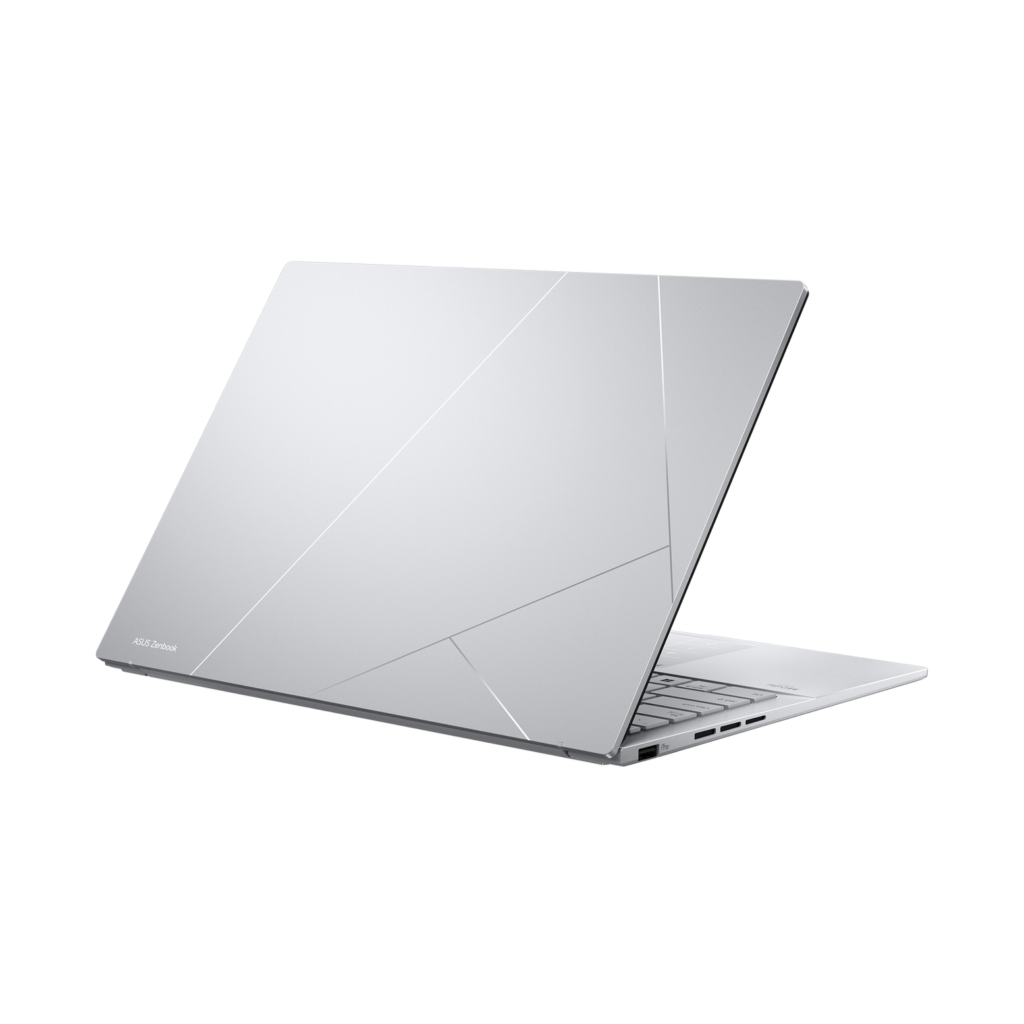
2. The Sweet Spot (Under $1,000): ASUS Zenbook 14 OLED
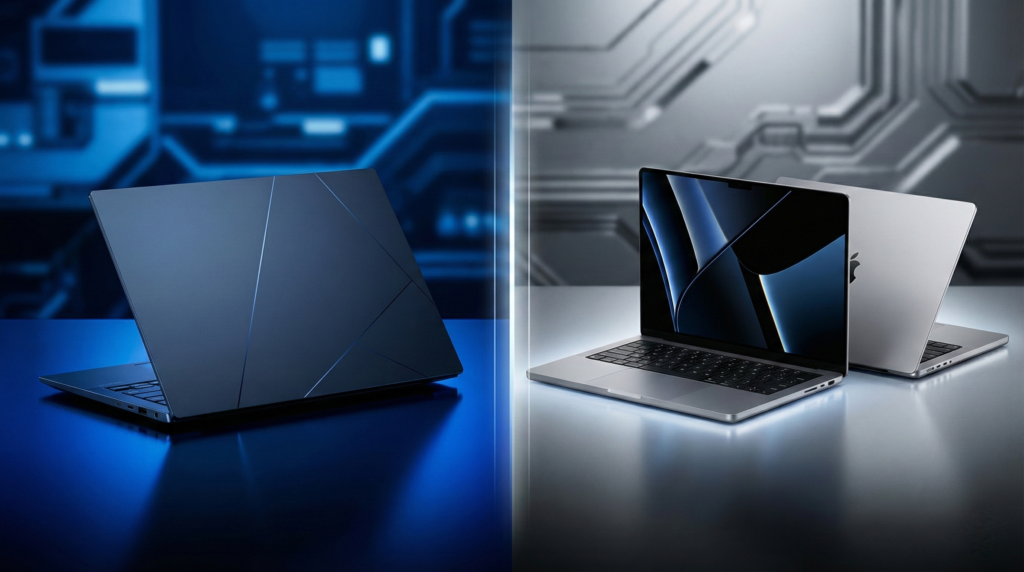
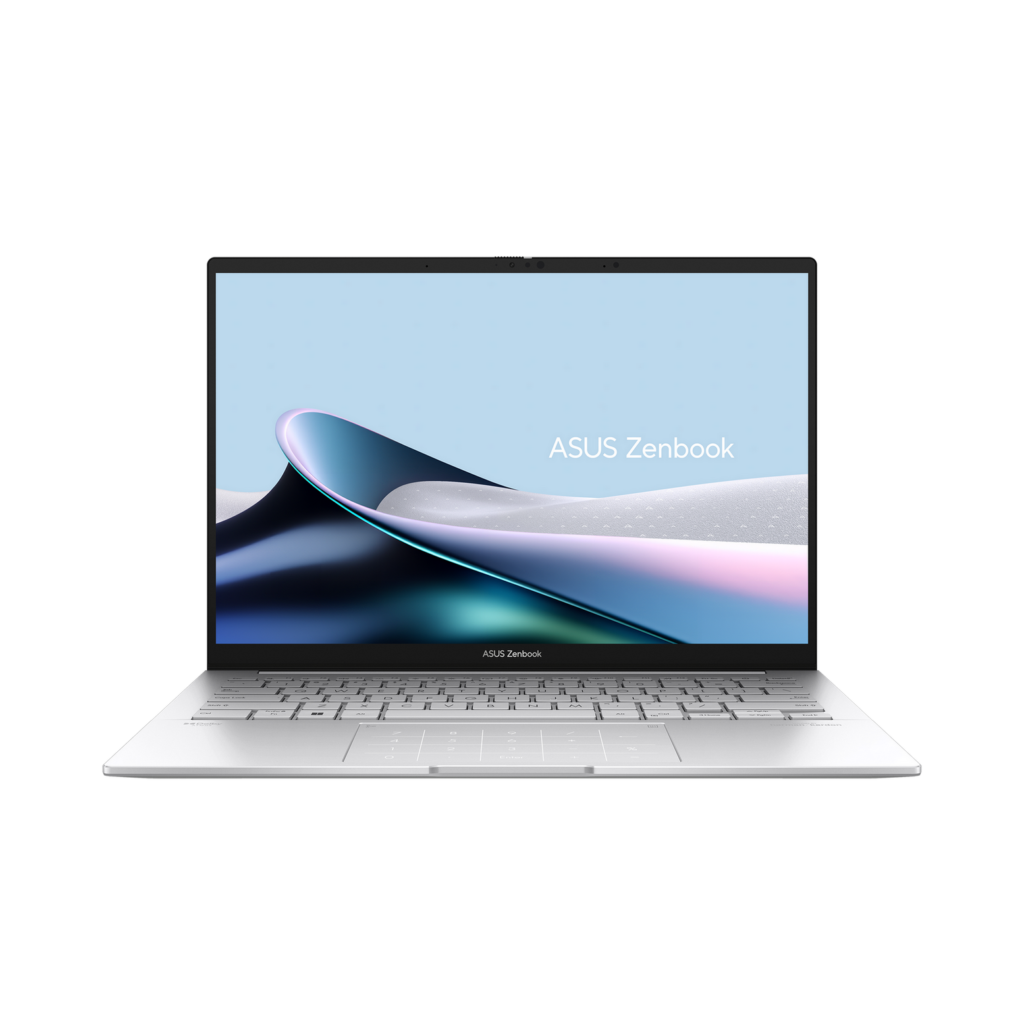
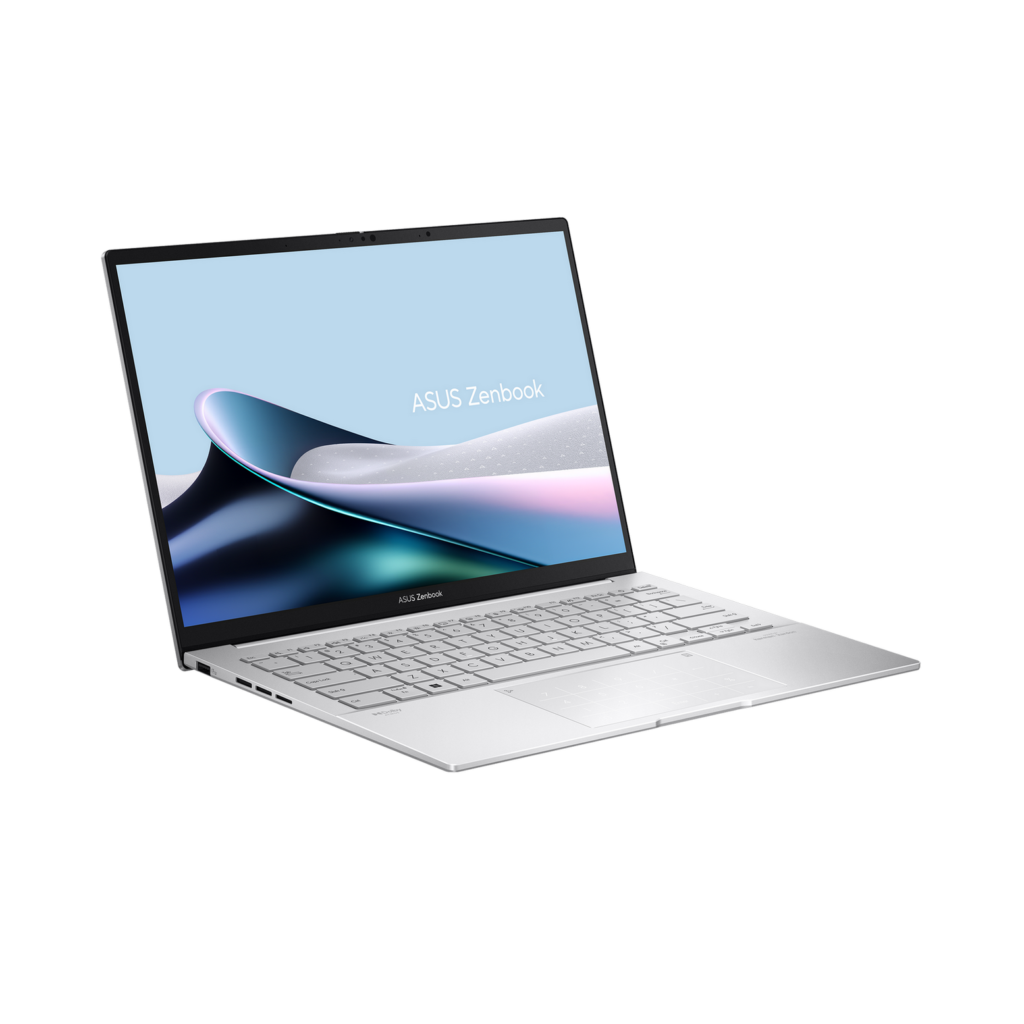
This is the laptop 90% of people should buy. The Zenbook 14 OLED (Q425) is a masterpiece of value.
- The Specs: Intel Core Ultra 7, 16GB RAM, 1TB SSD, 3K 120Hz OLED Touchscreen.
- Why We Picked It: You get a screen better than a MacBook Pro for half the price. The OLED display is stunning—perfect blacks and vibrant colors. Plus, it includes a full port selection (USB-A, HDMI, and two Thunderbolt 4 ports), so you don’t need to carry a dongle life.
- 👨💻 Developer Verdict: Can you code on it? Absolutely. The 16:10 aspect ratio gives you more vertical space for code, and the keyboard is punchy. It handles VS Code and light virtualization with ease.
3. The Powerhouse (Premium): MacBook Pro 16 (M4 Pro)
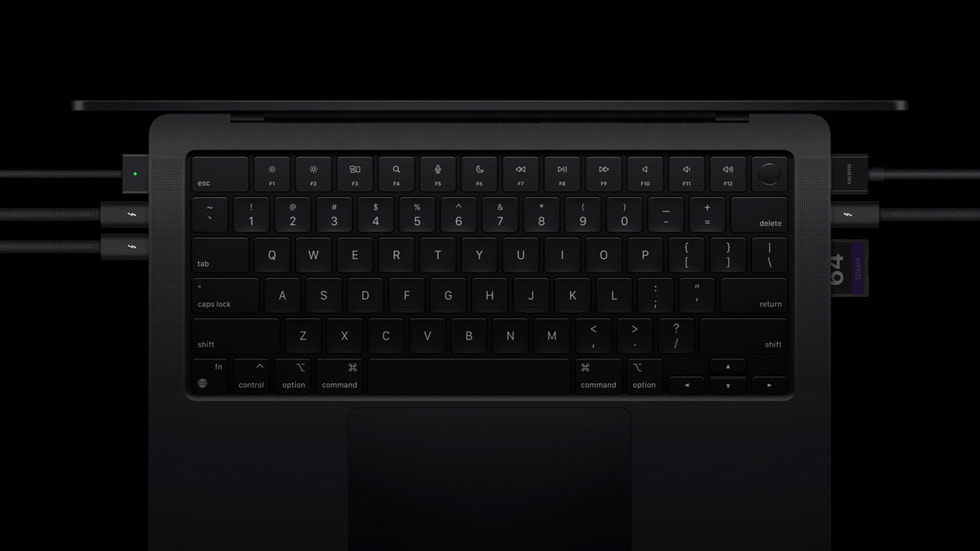
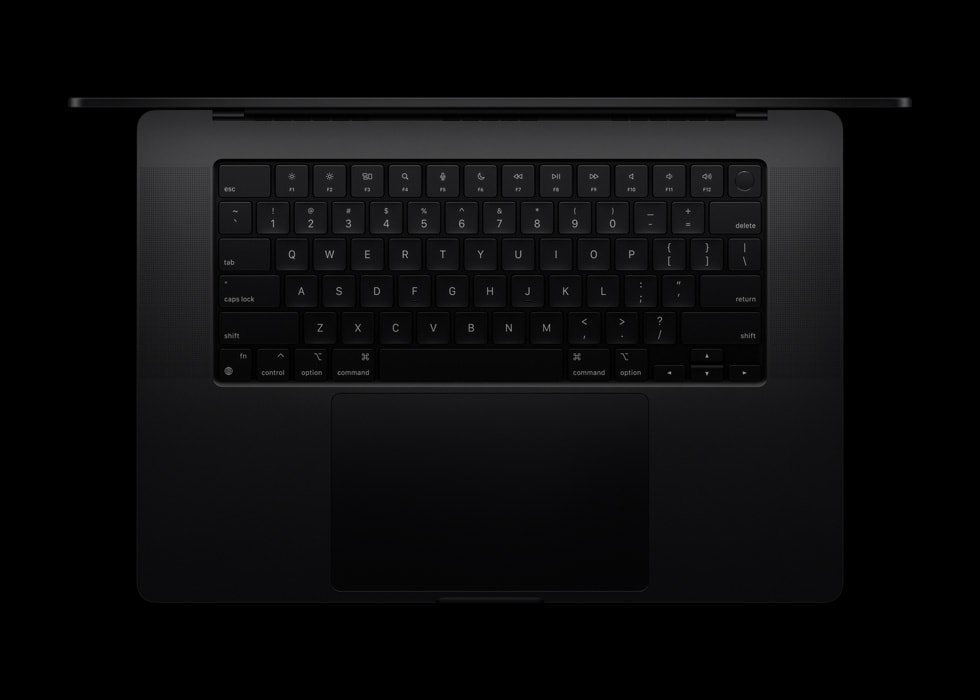
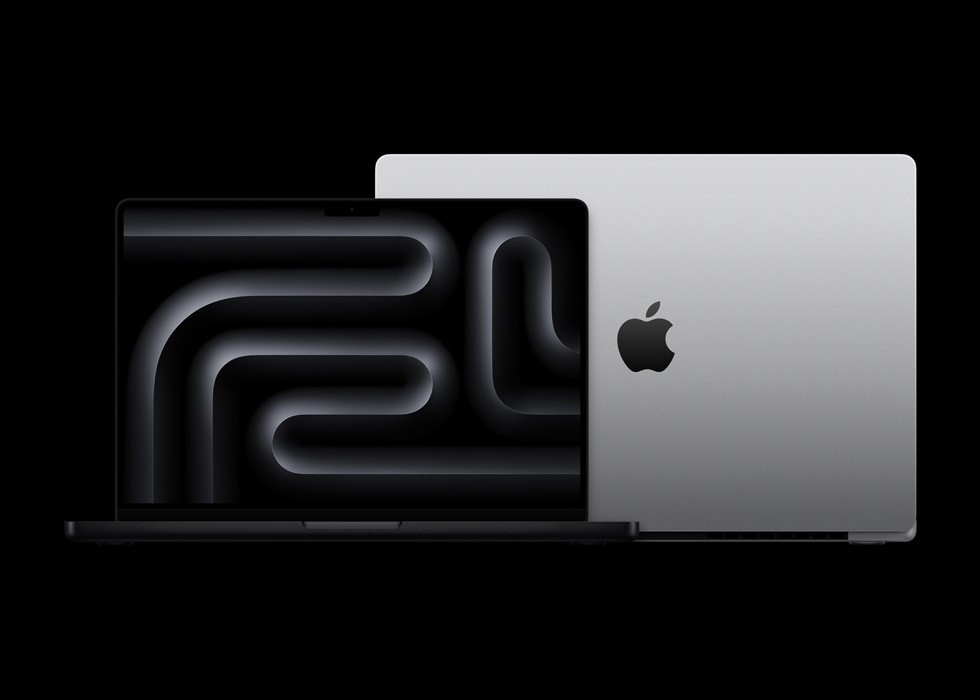
When budget isn’t an issue and you need raw power, Apple is still untouchable. The M4 Pro MacBook Pro is a battery life monster.
- The Specs: M4 Pro Chip (14-core CPU), 36GB Unified Memory, 16.2″ Liquid Retina XDR.
- Why We Picked It: It’s expensive, yes. But it’s also the only laptop that gives you workstation performance unplugged. While Windows gaming laptops slow down on battery, the M4 Pro runs at full speed for 20+ hours.
- 👨💻 Developer Verdict: Can you code on it? It is the industry standard for a reason. The Unix-based terminal, incredible screen, and 36GB of RAM (standard) make it the ultimate machine for full-stack and mobile developers.
Comparison Table: 2026 Laptop Picks
| Category | Model | Best Feature | Est. Price |
|---|---|---|---|
| Budget King | Acer Aspire Go 15 | 10+ Hour Battery | $399 |
| Best Value | ASUS Zenbook 14 OLED | 3K 120Hz OLED Screen | $999 |
| Gaming/Pro | MacBook Pro 16 (M4 Pro) | Unplugged Performance | $2,499 |
| Gamer Pick | Alienware 16X (RTX 5060) | Next-Gen Graphics | $1,499 |
The Silicon Post Verdict
Which one should you buy?
If you have $1,000 to spend, buy the ASUS Zenbook 14 OLED. It feels like a $2,000 machine. If you are a gamer, look for the new Alienware 16X with the RTX 5060, which offers the best price-to-performance ratio for modern titles.