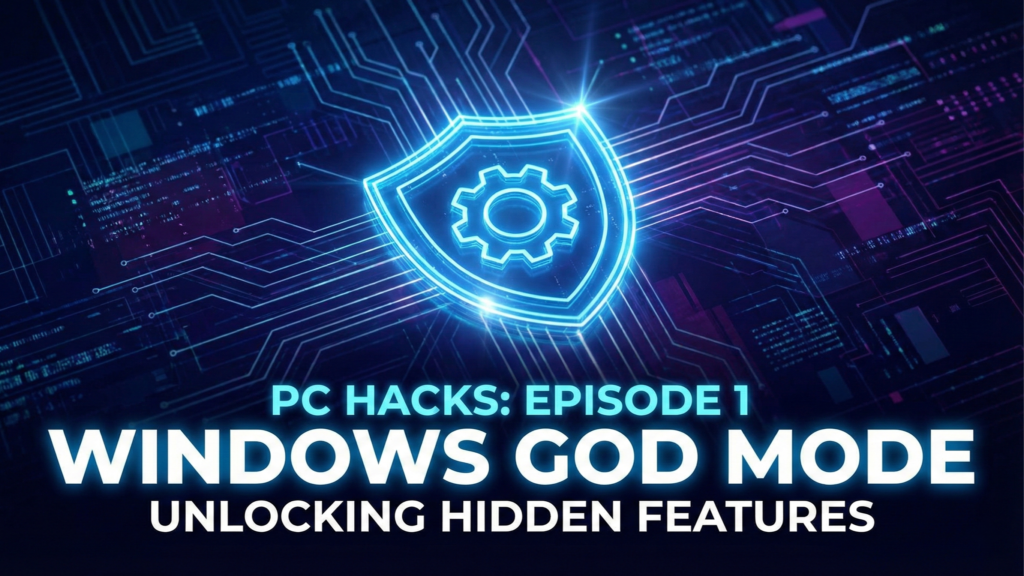
Most people use Windows at surface level. You click the Start button, search for Chrome, maybe change your wallpaper, and that’s it. But underneath the user-friendly interface, there are “Power User” tools hidden in the code that Microsoft doesn’t advertise.
Welcome to Episode 1 of our new series: The 10x Workflow.
In this part, we are unlocking the “Ghost in the Machine.” Here are 3 hidden features that will instantly change how you use your PC—including the legendary “God Mode.”
1. The Literal “God Mode”
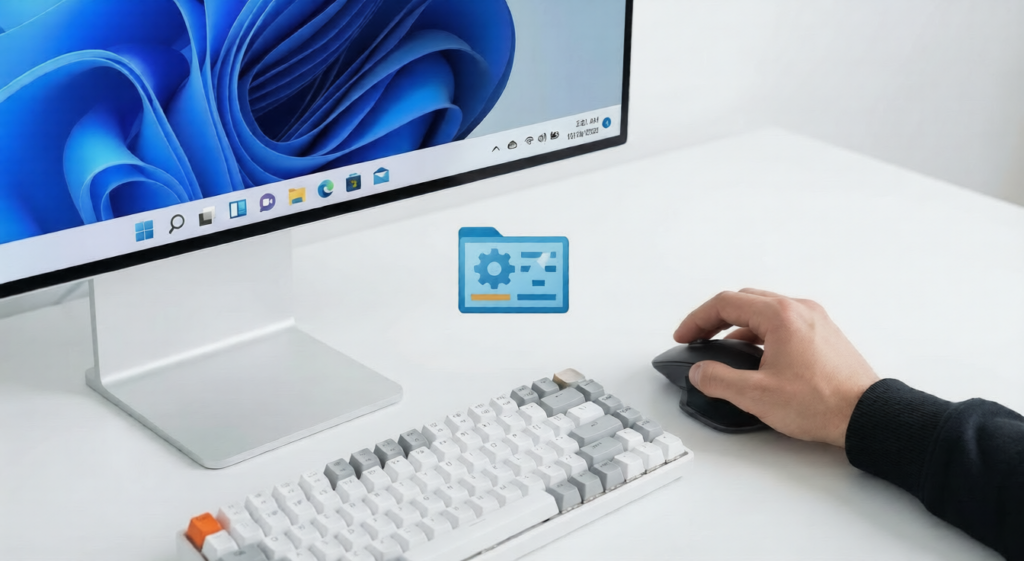
This is the ultimate Windows Easter egg. It turns a standard folder into a master control panel that lists every single setting in Windows (over 200 of them) in one scrollable list.
- Why you need it: Instead of digging through Settings > System > Advanced > Backup, you just open this folder and type “Mouse” or “Partition” to see every option available instantly.
How to Unlock It:
- Right-click on your Desktop.
- Select New > Folder.
- Rename the folder to exactly this code below (copy and paste it):
GodMode.{ED7BA470-8E54-465E-825C-99712043E01C}- Press Enter.
- The yellow folder icon will vanish and turn into a Control Panel icon. Open it to see the magic.
2. The “Secret” Start Menu (Win + X)
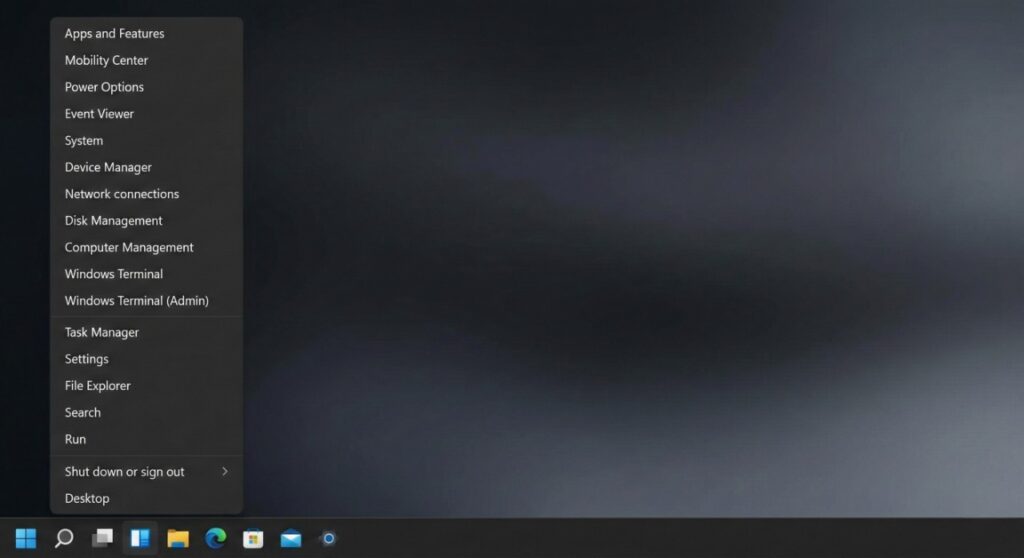
Everyone knows left-clicking the Start button opens your apps. But Right-Clicking it opens a secret “Power User” menu that IT professionals use to fix computers in seconds.
- The Shortcut: Press
Windows Key + X(or right-click the Start Button).
What’s Inside:
- Device Manager: Fix broken drivers instantly.
- Disk Management: Partition your hard drives or format USB sticks safely.
- Terminal (Admin): Run hacker-style commands without searching for “cmd.”
💡 The “Pro” Move: You can use keyboard shortcuts inside this menu to shut down your PC instantly. Press Win + X, then tap U, then U again. Your PC will shut down immediately without you touching the mouse.
3. “Shake to Minimize” (Aero Shake)
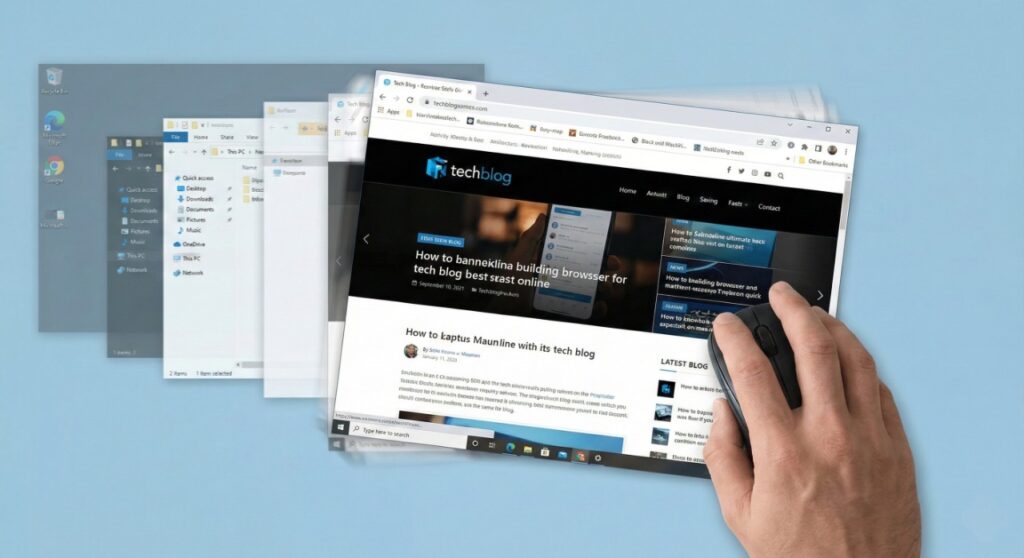
This feature allows you to grab a window and physically “shake” it with your mouse to minimize everything else on the screen. It is the fastest way to declutter your workspace and focus on one task.
- The Catch: In Windows 11, Microsoft often disables this by default. You need to turn it on once.
How to Enable It:
- Go to Settings > System > Multitasking.
- Look for “Title bar window shake”.
- Toggle it ON.
Try it now: Grab the top bar of your web browser, hold the mouse button down, and shake it left and right quickly. Watch all your other messy windows instantly drop to the taskbar. Shake it again to bring them back.
The Silicon Post Verdict
Which one is most useful?
While “God Mode” is fun to show off to friends, the Win + X menu is the one you will use every day. Memorize that shortcut. It is the fastest way to reach the “guts” of your computer without navigating through confusing modern menus.
Coming Next: Now that you’ve unlocked the system, it’s time to speed it up. Stay tuned for Episode 2: The Keyboard Shortcuts That Save 20 Minutes a Day.