
Boost Your Workflow, Creativity, and Productivity
As of 2025, Blender has become one of the most powerful open-source tools for 3D design and animation. But even with all its built-in features, many professionals seek ways to make their workflow faster, smarter, and more efficient. That’s where add-ons come in.
In this article, we’ll introduce 5 to 10 essential Blender add-ons that can dramatically enhance your experience — whether you’re into sculpting, rigging, hard-surface modeling, or creating high-detail assets.
1. 🔧 MACHIN3tools
An all-in-one toolkit to streamline your workflow MACHIN3tools is a powerful collection of enhancements for Blender’s UI and workflow. It offers smarter view navigation, object management, custom pie menus, and more — ideal for power users who want a streamlined experience.
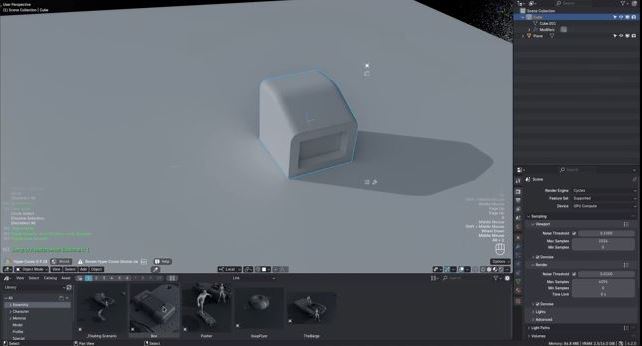
- Key Features: Custom view controls, pie menus, workspace toggles.
- Why use this add-on?: By combining various tools into a smart, contextual menu, it eliminates the need to search through menus. This allows you to access your most-used tools with just a few clicks, keeping your focus on the viewport.
- Install Link: GitHub – MACHIN3tools
- Compatibility: Blender 4.0 and up.
2. ✏️ RetopoFlow
Professional retopology made intuitive If you work with sculpting or high-poly meshes, RetopoFlow is a game-changer. It allows you to draw new topology directly onto the surface of your model with intuitive tools.
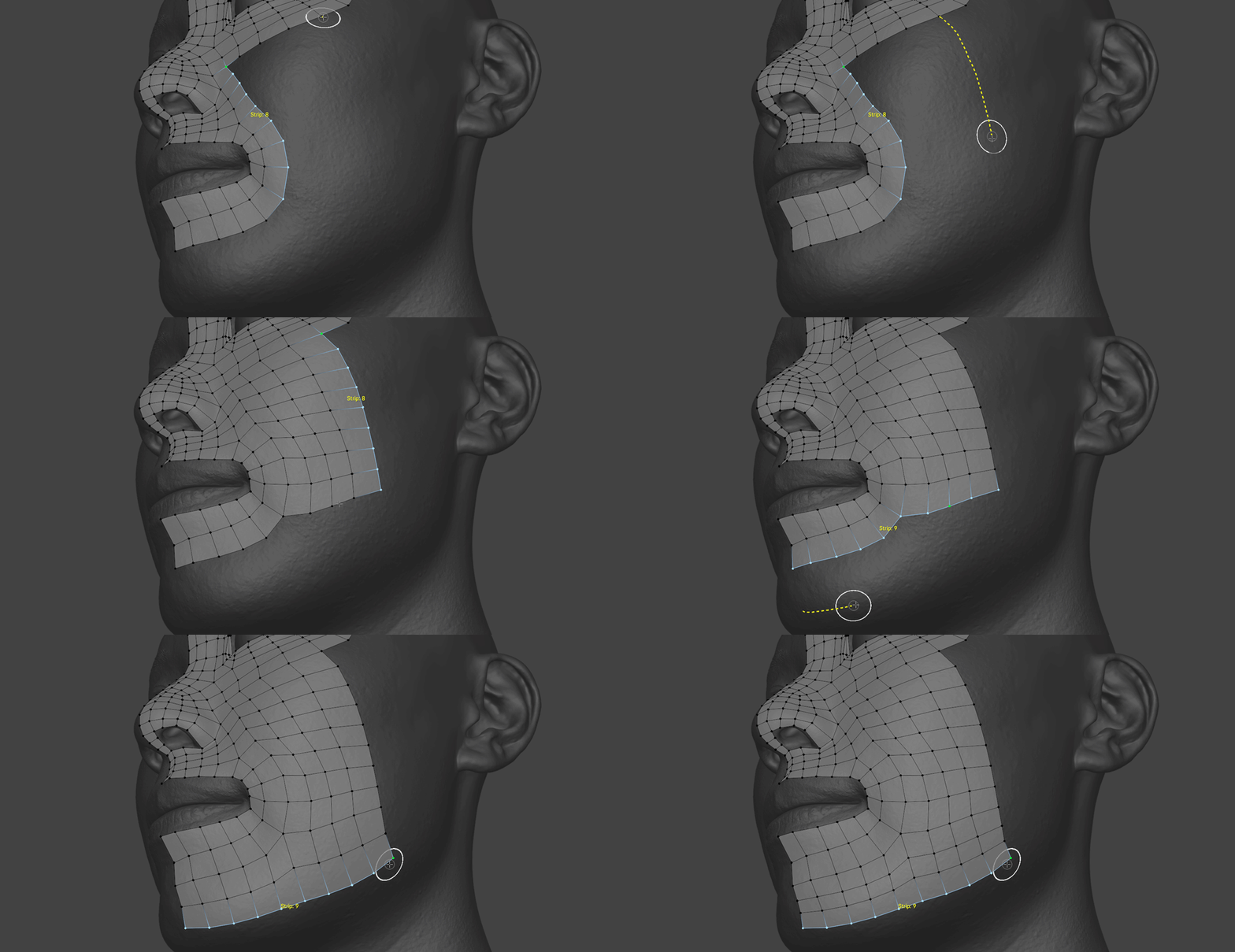
- Key Features: Interactive retopology, poly pen, contour drawing.
- Why use this add-on?: Manual retopology can be tedious and time-consuming. RetopoFlow transforms the process into a fast, intuitive drawing experience, helping you create clean, optimized topology for animation and game assets.
- Download from Blender Market: RetopoFlow – Blender Market
- Compatibility: Blender 4.0 and up.
3. 🦴 Auto-Rig Pro
Fast and professional character rigging Auto-Rig Pro is one of the most popular tools for quickly rigging characters. It supports both body and facial rigging, plus export to game engines like Unity and Unreal.
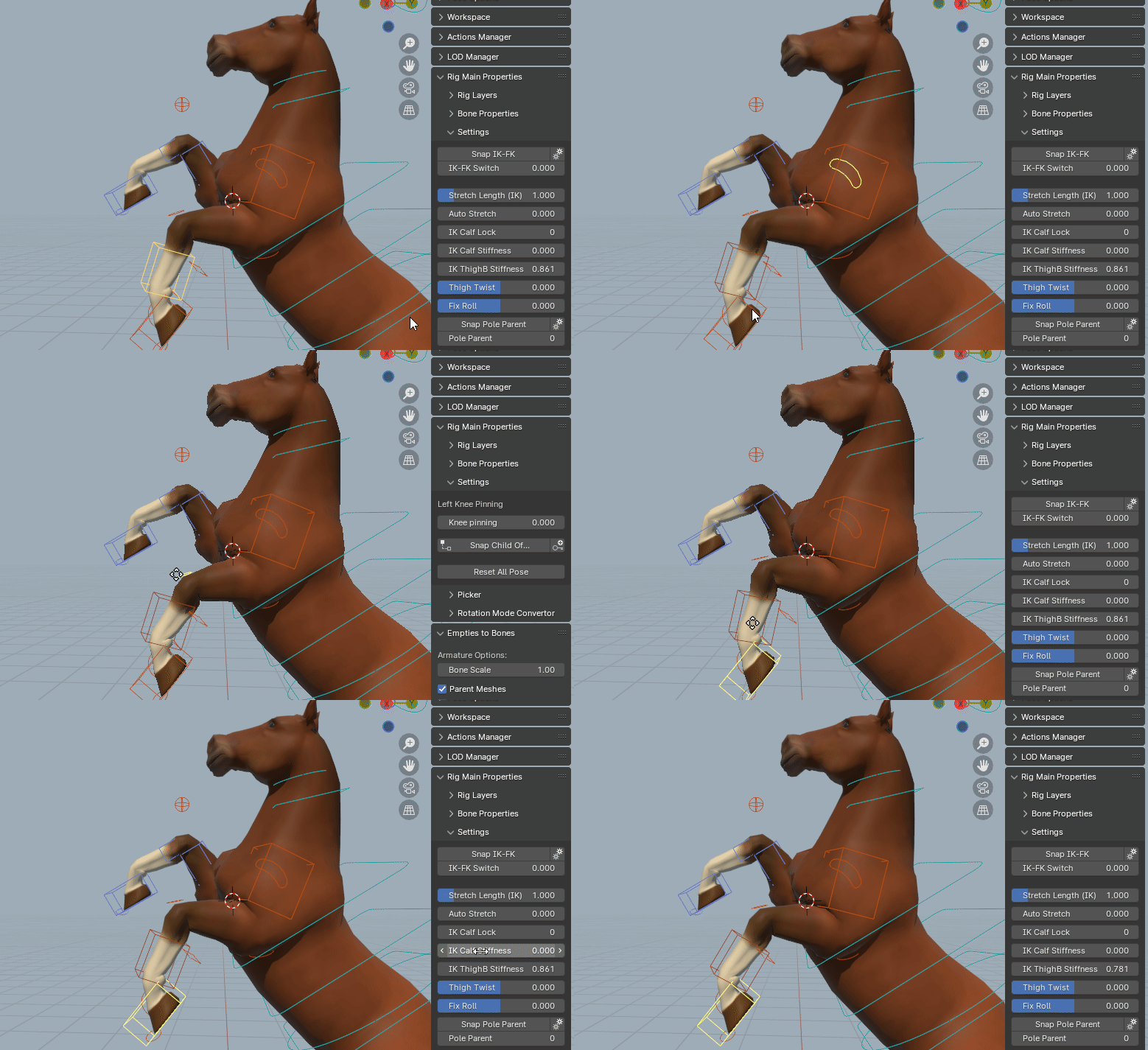
- Key Features: Automatic bone placement, facial rig, game engine export.
- Why use this add-on?: If you’re tired of manual rigging, Auto-Rig Pro reduces the time it takes to build a professional, animatable rig from hours to minutes, allowing you to spend more time on animation.
- Install from Blender Market: Auto-Rig Pro – Blender Market
- Compatibility: Blender 4.0 and up.
4. 🛠️ HardOps
Precision hard-surface modeling toolkit HardOps is built for hard-surface and concept modeling. It provides quick Boolean operations, advanced beveling, and seamless integration with Boxcutter for a powerful design workflow.
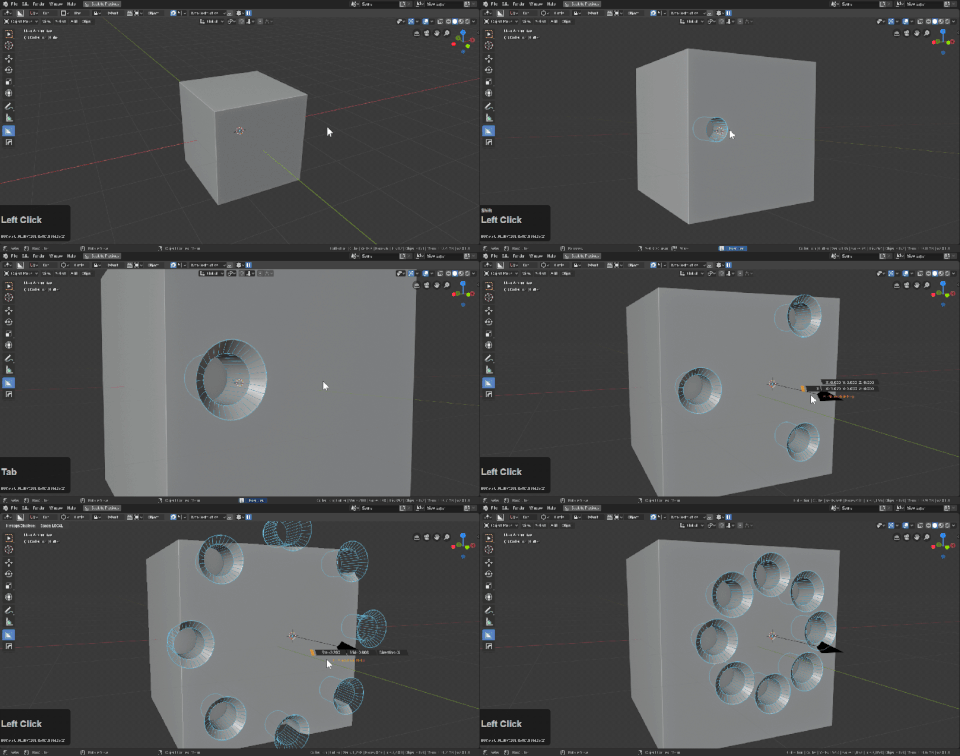
- Key Features: Non-destructive modeling, bevel stacks, advanced booleans.
- Why use this add-on?: HardOps drastically speeds up hard-surface modeling by simplifying complex operations like bevels and booleans. It lets you design at a high velocity without losing control over your model.
- Purchase on Blender Market: HardOps – Blender Market
- Compatibility: Blender 4.0 and up.
5. 🎯 DECALmachine
Add surface detail without changing topology DECALmachine allows you to apply decals (like bolts, scratches, logos) directly to your models — great for sci-fi and industrial design. It’s perfect for adding visual detail without heavy geometry.

- Key Features: UV-based decal placement, decal creation, trim sheets.
- Why use this add-on?: This tool lets you add a huge amount of surface detail without increasing your polygon count. This keeps your models lightweight and optimized for both rendering and game engines.
- Official Page: DECALmachine – GitHub
- Compatibility: Blender 4.0 and up.
6. ✨ Fluent
Visual modeling made fast and fun Fluent brings an intuitive overlay UI for adding shapes and performing booleans directly in the viewport. It’s great for concept artists and hard-surface designers.
- Key Features: In-view modeling, quick cutouts, interactive modifiers.
- Why use this add-on?: If you want a no-fuss, visual way to build models, Fluent’s simple UI allows you to bring your ideas to life quickly and with minimal clicks.
- Blender Market: Fluent – Blender Market
- Compatibility: Blender 4.0 and up.
7. 🌐 Node Wrangler
The essential tool for shader editing Node Wrangler comes bundled with Blender and just needs to be enabled. It drastically improves how you work with nodes in the Shader Editor.
- How to enable: Go to
Edit > Preferences > Add-ons, search for “Node Wrangler,” and check the box. - Why use this add-on?: With its numerous shortcuts, Node Wrangler turns repetitive tasks like connecting textures or creating node groups into a simple click, saving you significant time when building complex shaders.
- Compatibility: Ships with Blender.
8. 📐 Speedflow
Quick modeling and modifier control Speedflow provides a smart UI for managing modifiers like Bevel, Solidify, Boolean, Array, and more — all in real-time with on-screen controls.
- Key Features: Modifier menu, visual feedback, easy tweaks.
- Why use this add-on?: This add-on allows you to control modifiers directly in the viewport, without needing to navigate side panels. This keeps your focus on the model and allows you to make changes on the fly.
- Download from Gumroad: Speedflow – Gumroad
- Compatibility: Blender 4.0 and up.
How to Install Add-ons in Blender
- Download the add-on
.zipfile from its source (GitHub, Blender Market, etc.) - Open Blender and go to
Edit > Preferences > Add-ons - Click Install…, select the
.zipfile, and install - After installation, make sure to check the box to activate it
Final Thoughts
Add-ons are essential to turning Blender from a powerful tool into a production powerhouse. Whether you’re working on game assets, short films, or concept design, these plugins will help you work faster, smarter, and better in 2025.
Got a favorite add-on we didn’t mention? Drop it in the comments and share your workflow tips!🚀