1. Video Overview — Google NotebookLM AI-Narrated Slideshows
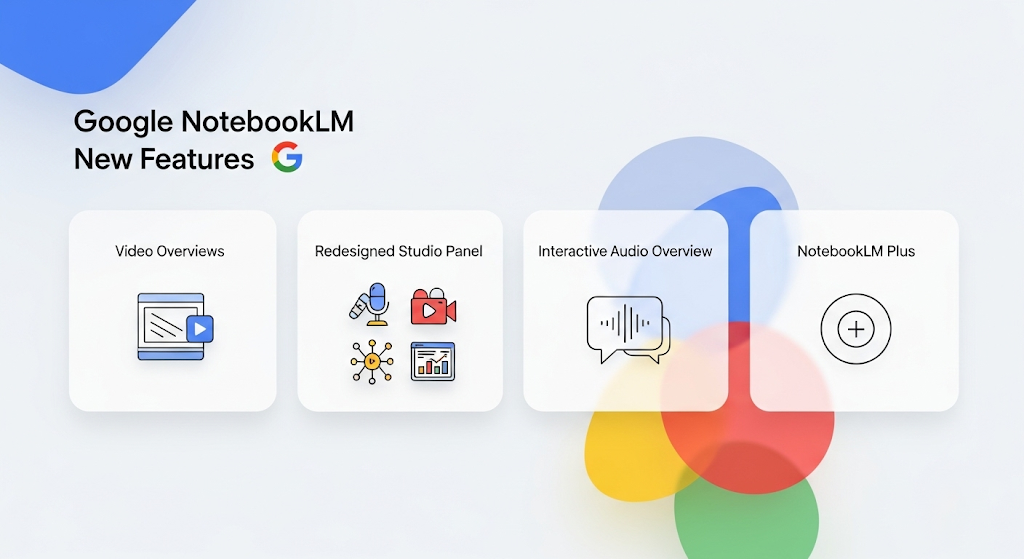
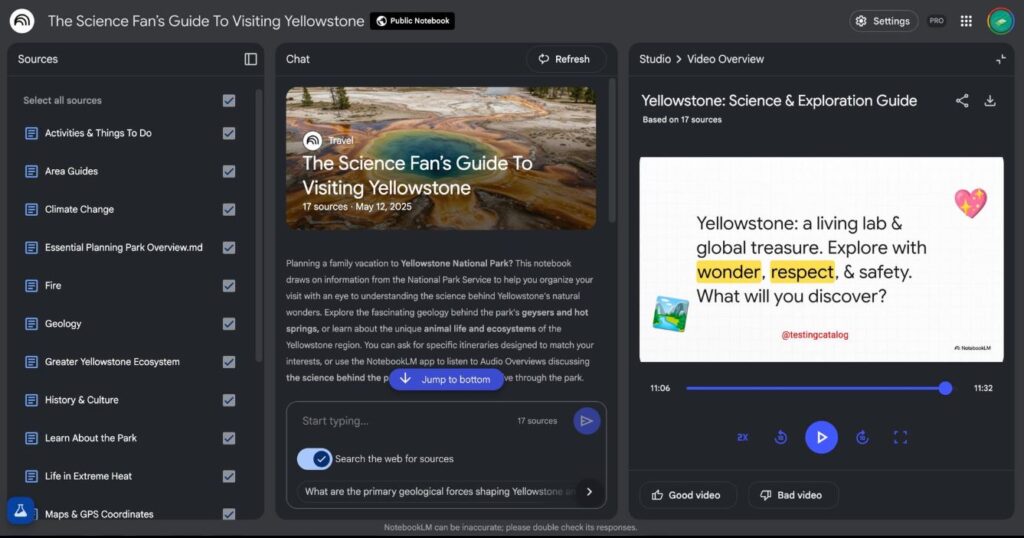
google NotebookLM now includes Video Overviews, enabling the creation of AI-generated narrated slide presentations that pull visuals, diagrams, quotes, and data directly from your uploaded content. Think of it as a visual alternative to Audio Overviews, designed to explain data, processes, and abstract ideas more clearly. Users can customize the output by setting learning goals, specifying topic focus, and defining the intended audience.
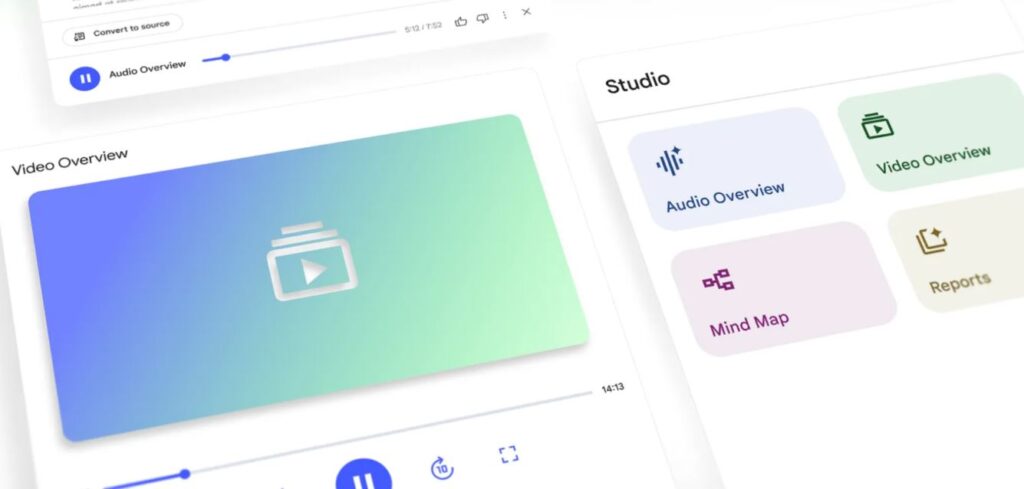
2. Redesigned Studio Panel
The Studio panel now features four distinct tiles for easy creation: Audio Overviews, Video Overviews, Mind Maps, and Reports. You can now create and store multiple outputs of the same type (e.g., several Video Overviews) within a single notebook.
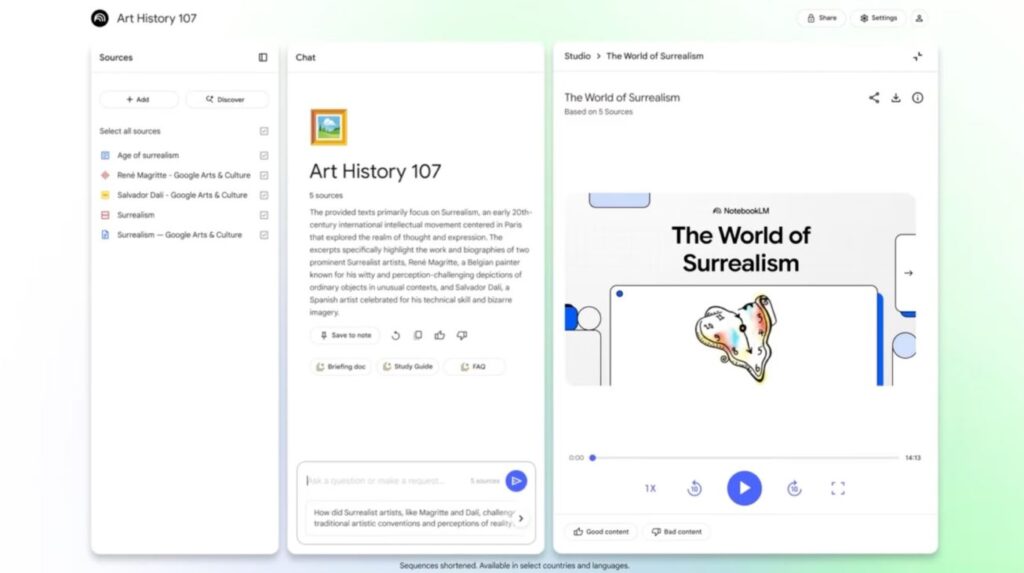
3.Interactive Audio Overview in NotebookLM
Audio Overviews are now partially dialog-driven: users can ask questions during playback (‘Join’ mode) and receive real-time AI responses.
4. Introducing NotebookLM Plus: The Premium Package
As a new premium tier, NotebookLM Plus offers up to 5x more AI resources per notebook. This premium service gives you the ability to customize response style and length, and it provides group notebook sharing with usage analytics. Additionally, NotebookLM Plus delivers enhanced privacy and enterprise-level security.
5.Additional Enhancements: Featured Notebooks and Smart Source Discovery
NotebookLM completes your research experience with new additional enhancements. Featured Notebooks provide curated content from trusted publications for quick access to expert-level research. Additionally, with the Discover Sources feature, the service suggests relevant sources based on your topic with the help of AI, so there’s no need to manually enter URLs.