Blender

Dive into the world of Blender, the leading open-source 3D creation suite. Our comprehensive guides cover everything from the fundamentals of modeling, texturing, and animation to advanced techniques in rendering with Cycles and Eevee. Whether you’re a hobbyist or a professional, you’ll find tutorials here to elevate your skills.

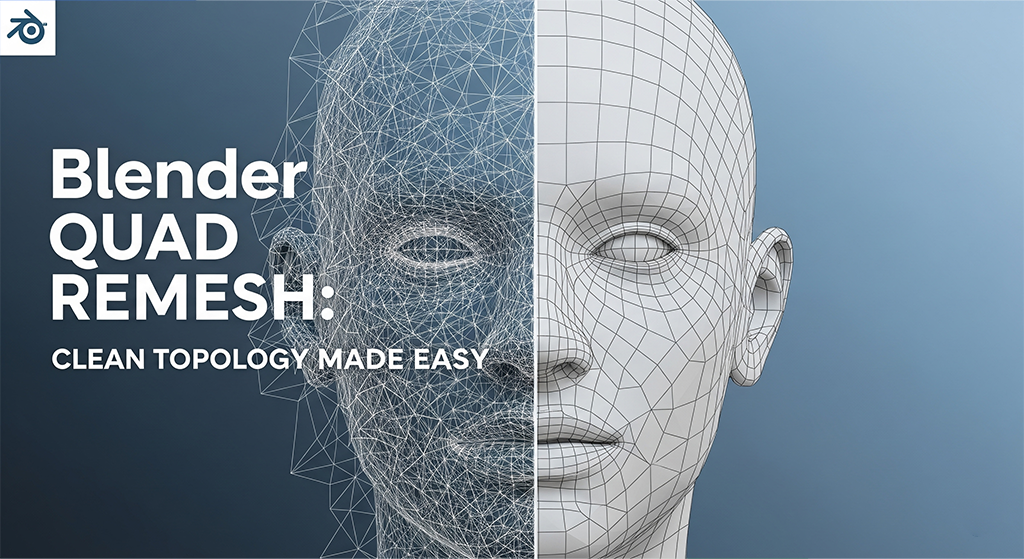
A promotional image for a Blender tutorial. The image is split down the middle of a 3D model of a human head. The left side shows a chaotic, high-polygon mesh with many triangular faces, while the right side shows a clean, organized mesh composed entirely of four-sided polygons (quads). The text "Blender QUAD REMESH: CLEAN TOPOLOGY MADE EASY" is overlaid on the left side of the image. The Blender logo is in the top left corner.

Blender Quad Remesh Add-ons: Clean Topology Made Easy

If you’re working with AI-generated 3D models or detailed sculpts in Blender, you’ve probably dealt with messy topology. The good news is you don’t need to spend hours manually retopologizing. With Quad Remesh add-ons, you can automatically convert any complex mesh into a clean, quad-based version. This is essential for animation, sculpting, UV mapping, and […]

Blender Quad Remesh Add-ons: Clean Topology Made Easy Read More »
Alt Text A futuristic graphic for a Blender software update, featuring the iconic Blender logo at the center. Glowing blue lines radiate from the logo, connecting it to two screens in the background. The left screen displays a file browser, suggesting file management or installation, while the right screen shows a color editor and parts of a user interface, indicating new features or customization. A large, stylized text that reads "UPDATE" hovers above the Blender logo. Below, a progress bar, partially filled with blue, symbolizes the ongoing update process. The background is a dark, high-tech environment with subtle geometric patterns.

How to Update Blender: A Simple Guide to Getting the Latest Version

Keeping your Blender installation up-to-date is a great way to access new features, performance enhancements, and crucial bug fixes. While Blender doesn’t have an “auto-update” button, the process of getting the newest version is straightforward and only takes a few minutes. This guide will walk you through the two most common ways to update Blender

How to Update Blender: A Simple Guide to Getting the Latest Version Read More »

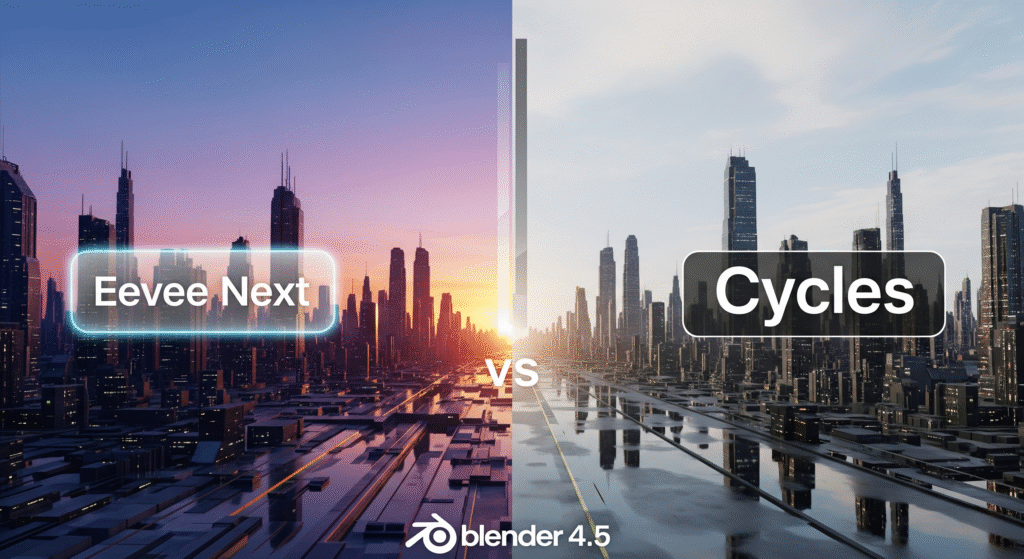
A split image comparing the visual styles of Eevee Next and Cycles render engines in Blender 4.5, showcasing a futuristic city at sunset/sunrise on the Eevee Next side and a more realistically lit, slightly overcast city on the Cycles side. The Blender 4.5 logo is at the bottom.

Blender 4.5: The Ultimate Guide to Eevee Next vs. Cycles

With the release of Blender 4.5, the real-time render engine Eevee has received a major upgrade: Eevee Next. This marks a new chapter for rendering in Blender—now you’ve got two powerful engines at your fingertips: 🔹 Eevee Next – fast, responsive, real-time rendering🔹 Cycles – high-quality, physically accurate ray tracing So, the big question is:

Blender 4.5: The Ultimate Guide to Eevee Next vs. Cycles Read More »