This structured article explores the key new features of Blender 4.5 LTS. Each section provides a brief explanation, and at the end, you’ll find resources for further learning.
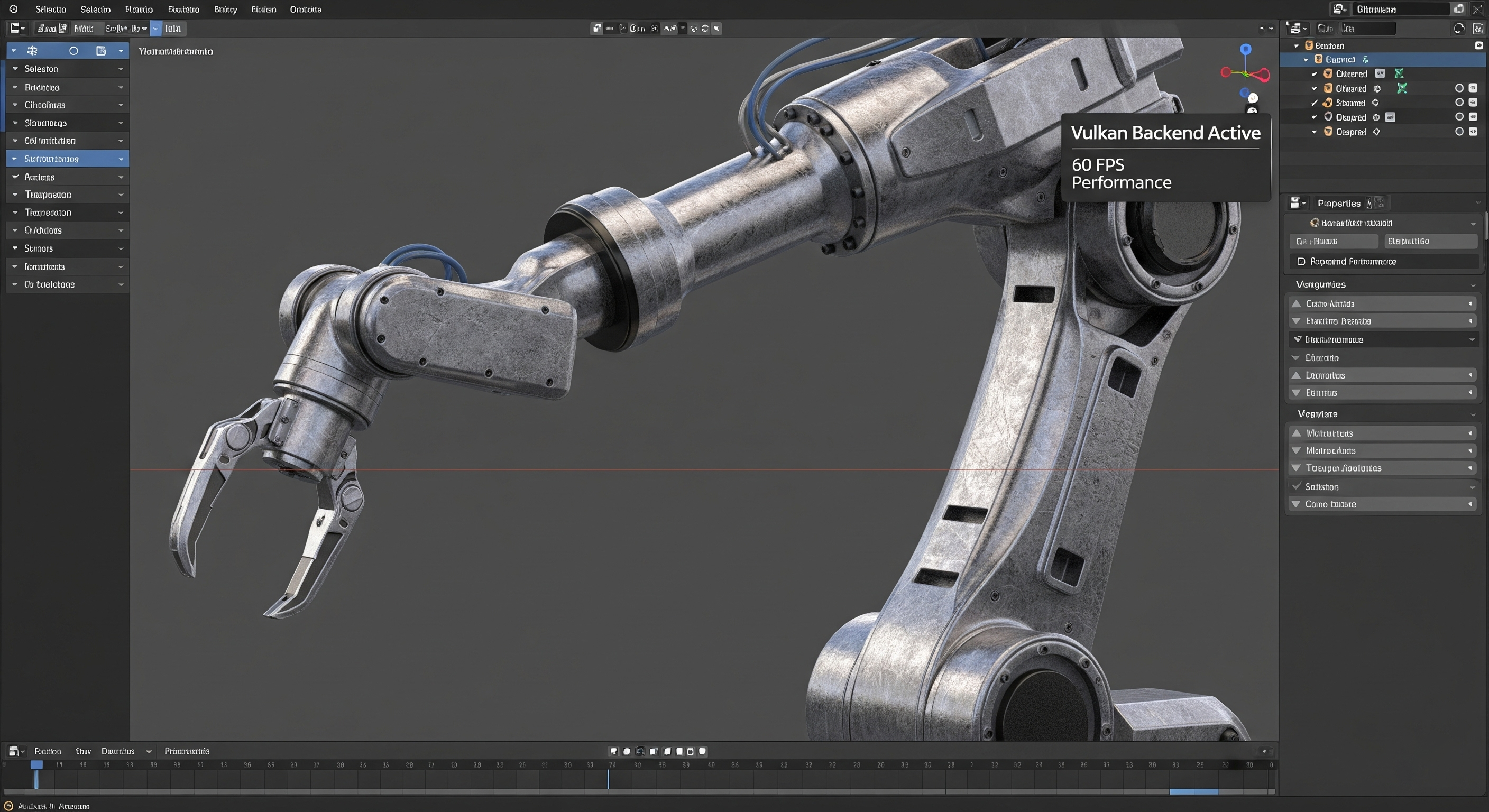
1. Full Vulkan Backend Support
The Vulkan backend is now officially supported on both Windows and Linux, offering performance comparable to OpenGL. Activating it is straightforward and leads to improved viewport performance and faster shader compilation.
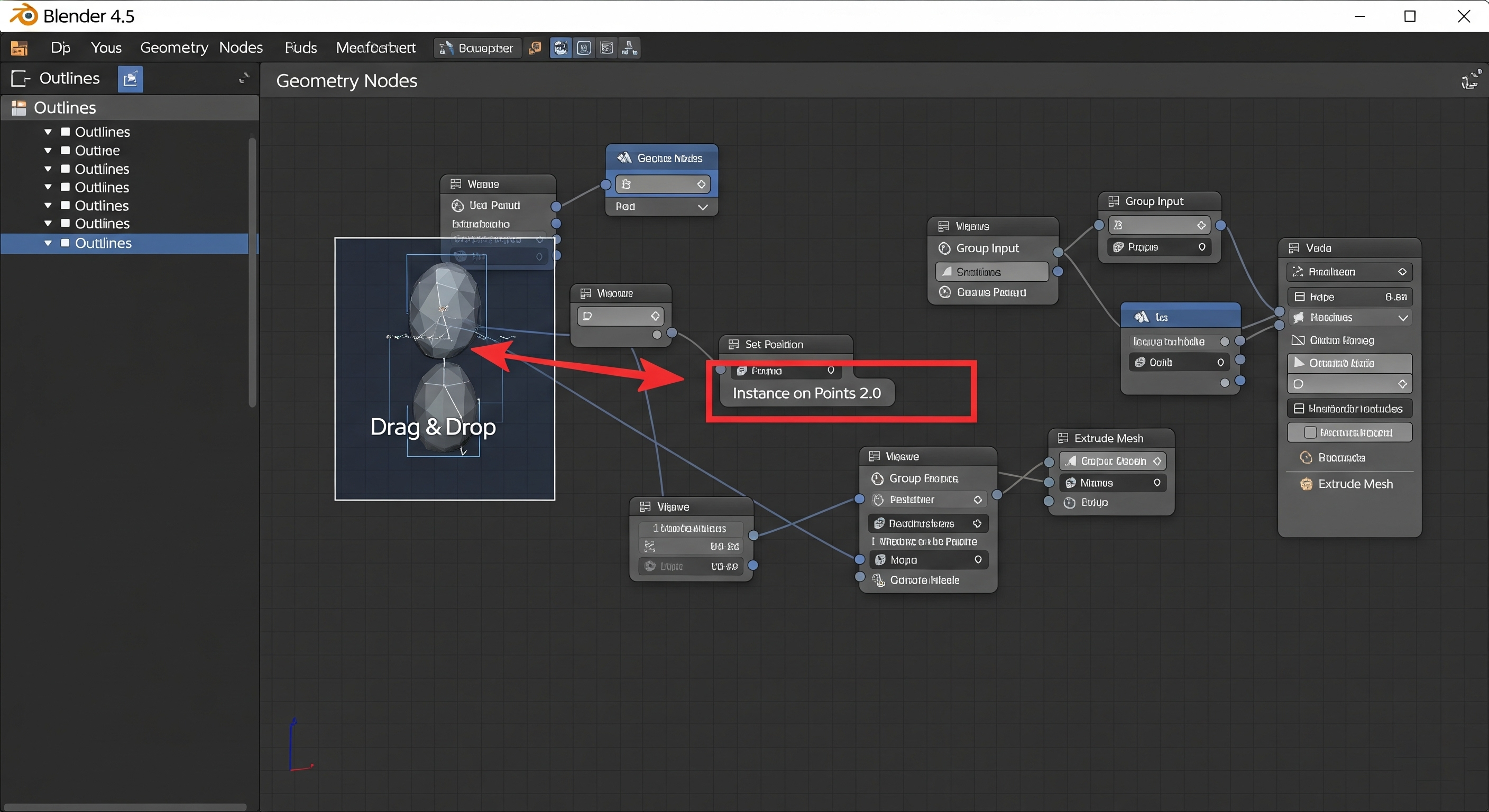
2. Geometry Nodes – New Nodes and Import Capabilities
Several new features have been added to Geometry Nodes, significantly expanding its functionality:
Drag-and-drop support for importing files like OBJ, STL, PLY, CSV, TXT, and VDB. You can even import image sequences using the new Format String node.
A new Set Mesh Normal node for precise normal editing.
Additional nodes like Camera Info, Instance Bounds, and Bit Math to access various geometry data.
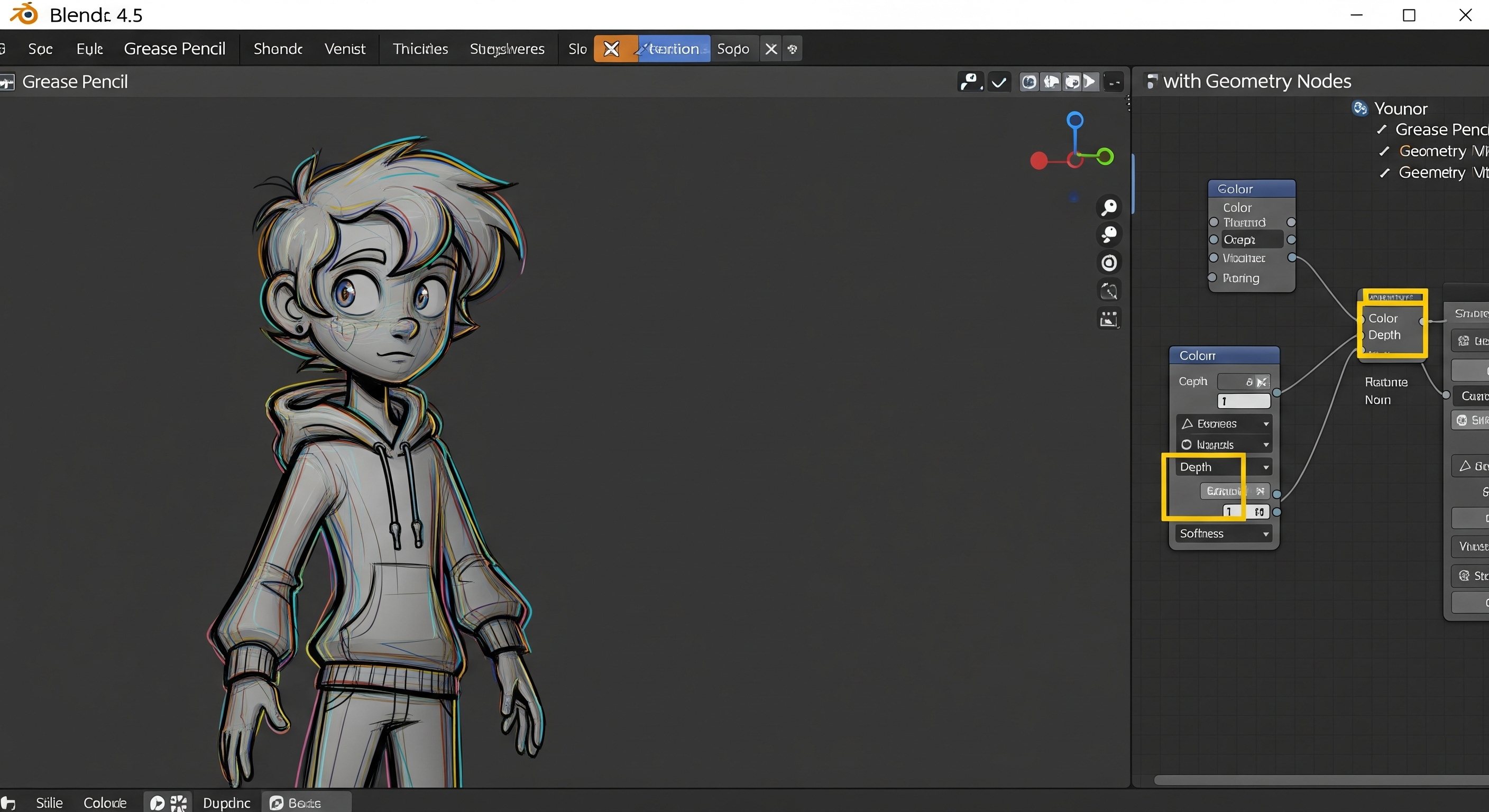
3. Grease Pencil – Integrated with Geometry Nodes
Grease Pencil is now more powerful and can be controlled via Geometry Nodes. New nodes allow you to manipulate key properties:
Nodes to control color, depth, and softness.
New tools like Named Layer Selection and Node Tools with collapsible panels.
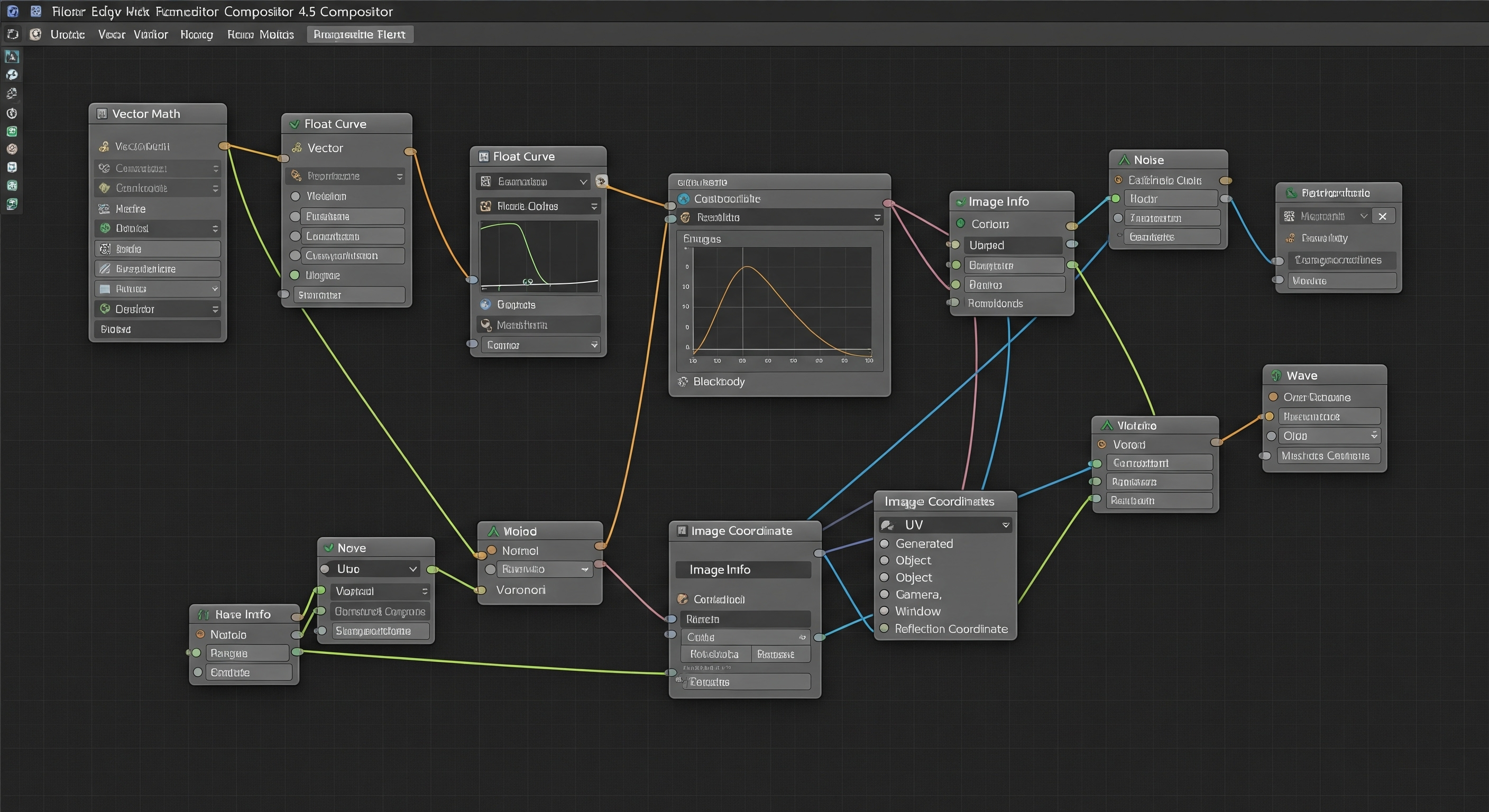
4. Compositor – Aligned with Shader and Texture Nodes
The Compositor has received a major overhaul, introducing new nodes and capabilities that mirror the Shader and Texture editors.
New nodes have been added, including Vector Math, Float Curve, Blackbody, Image Info, and Image Coordinates.
Procedural texture nodes like Voronoi, Noise, and Gradient can now be used directly in the Compositor.
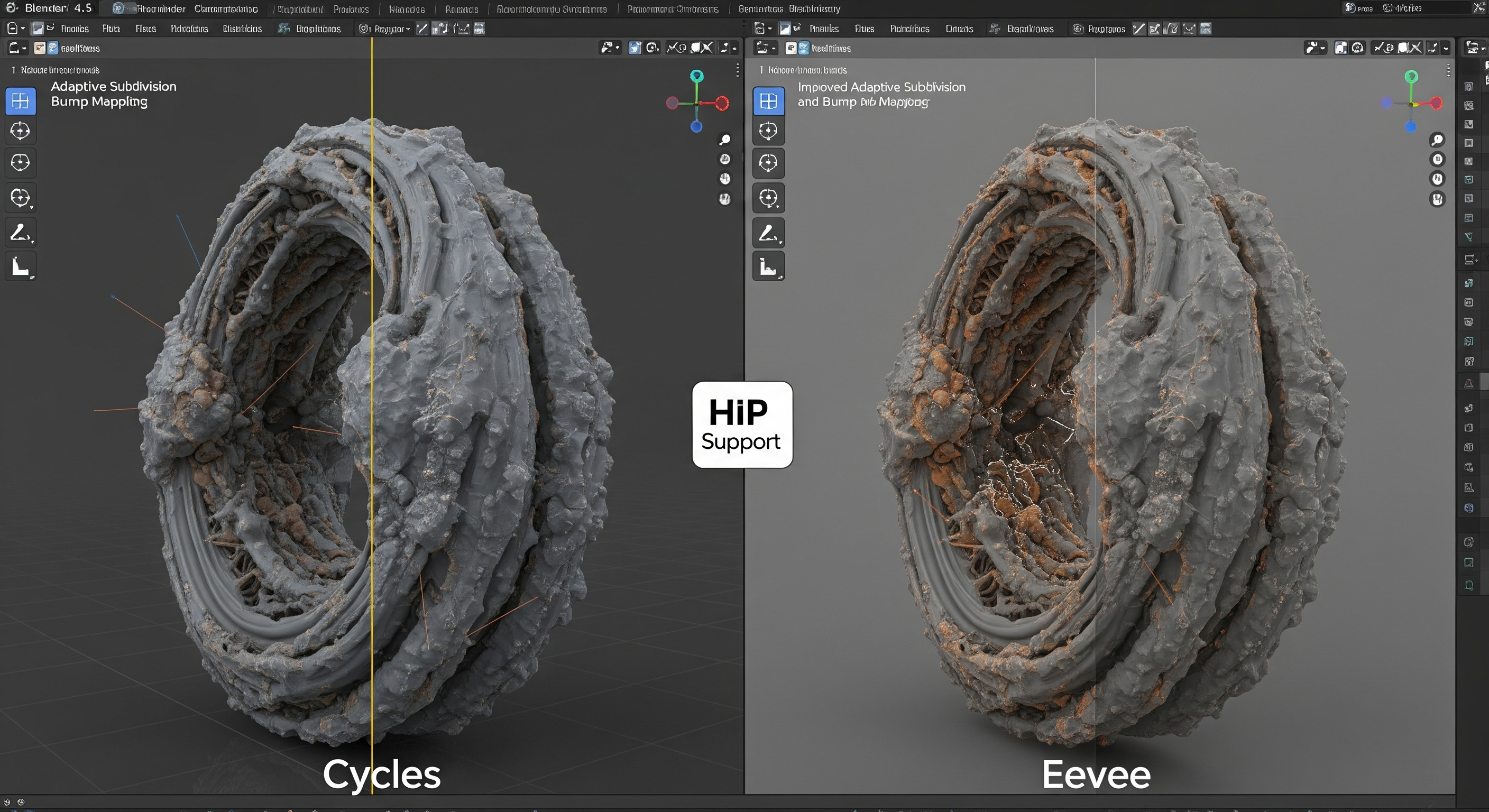
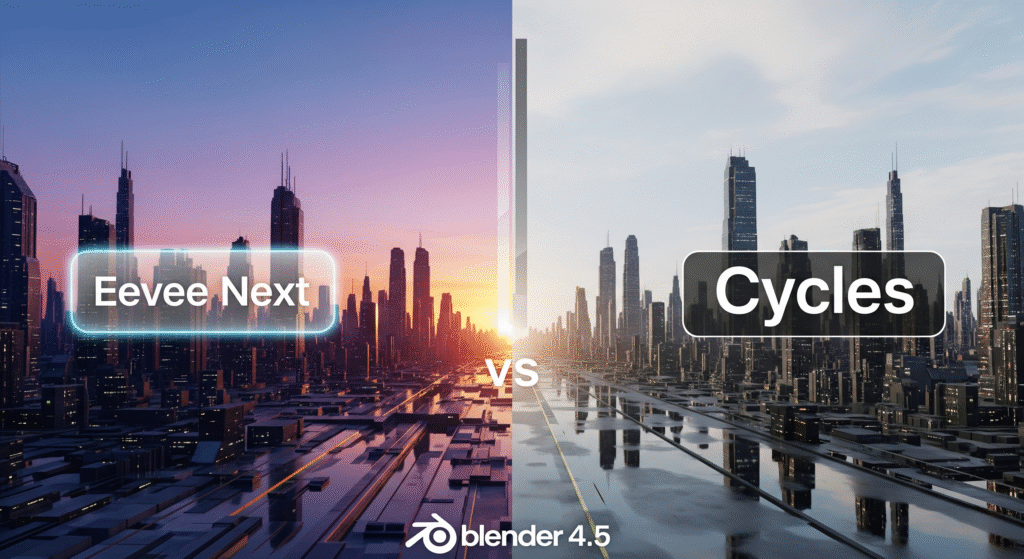
5. Cycles & Eevee – Higher Performance and More Features
Rendering has become faster and more flexible in Blender 4.5.
Adaptive Subdivision is now up to 10-15x faster, with support for attributes, UV subdivision, and motion blur.
Bump mapping on edges has been improved, and the new Filter Width option offers more precise control.
Support for custom cameras with OSL, and up to 30% performance improvement with AMD’s dedicated ray-tracing via HIP.
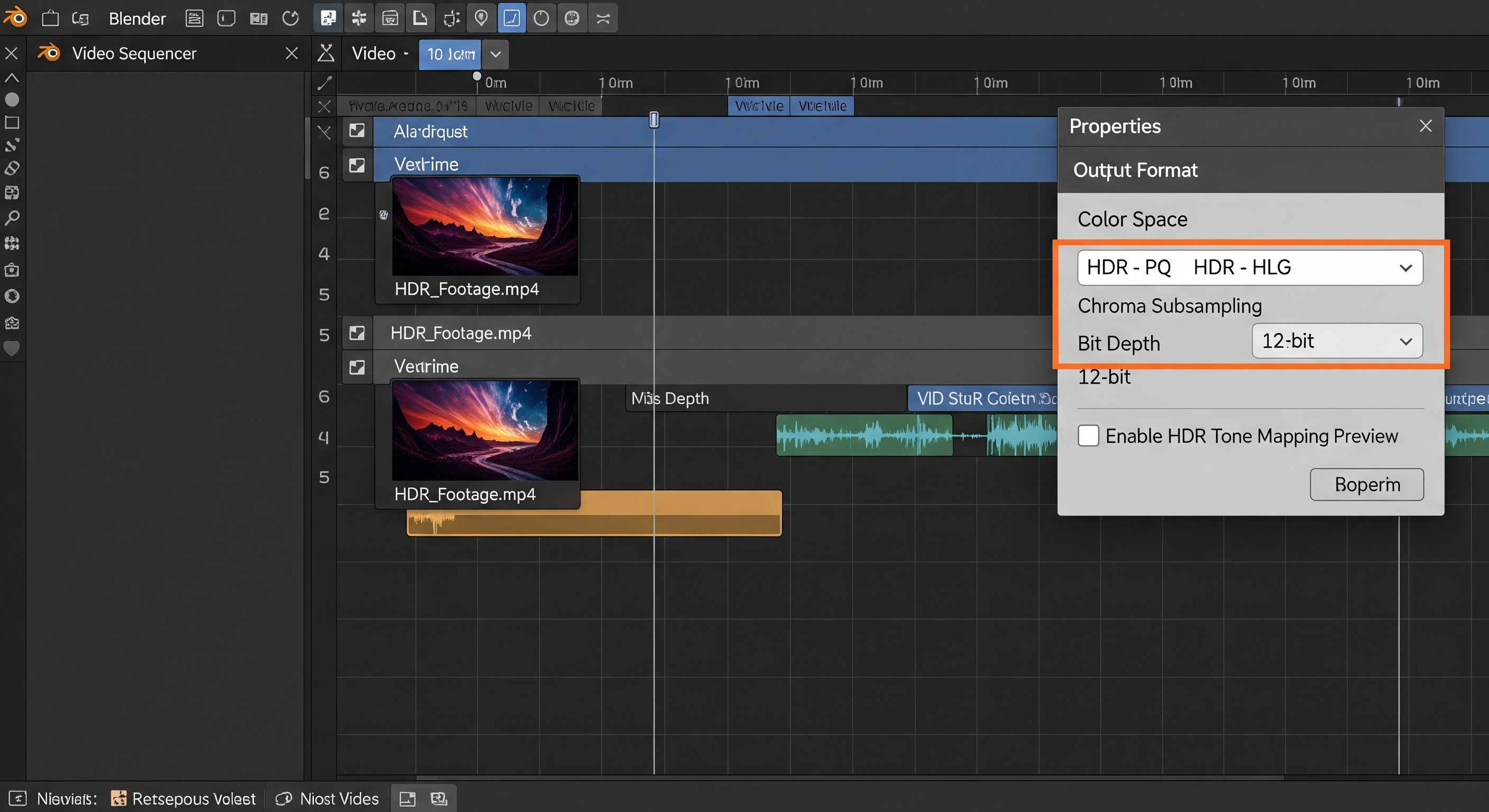
6. Video Sequencer & I/O – HDR Support and New Formats
The Video Sequencer has been enhanced with professional-grade features.
HDR support is now available in the Video Sequencer.
The ability to export videos using ProRes, OpenEXR with ACES metadata, BMP with an alpha channel, and FFV1 for 10/12/16-bit video.
Faster texture loading in Eevee and quicker startup times.
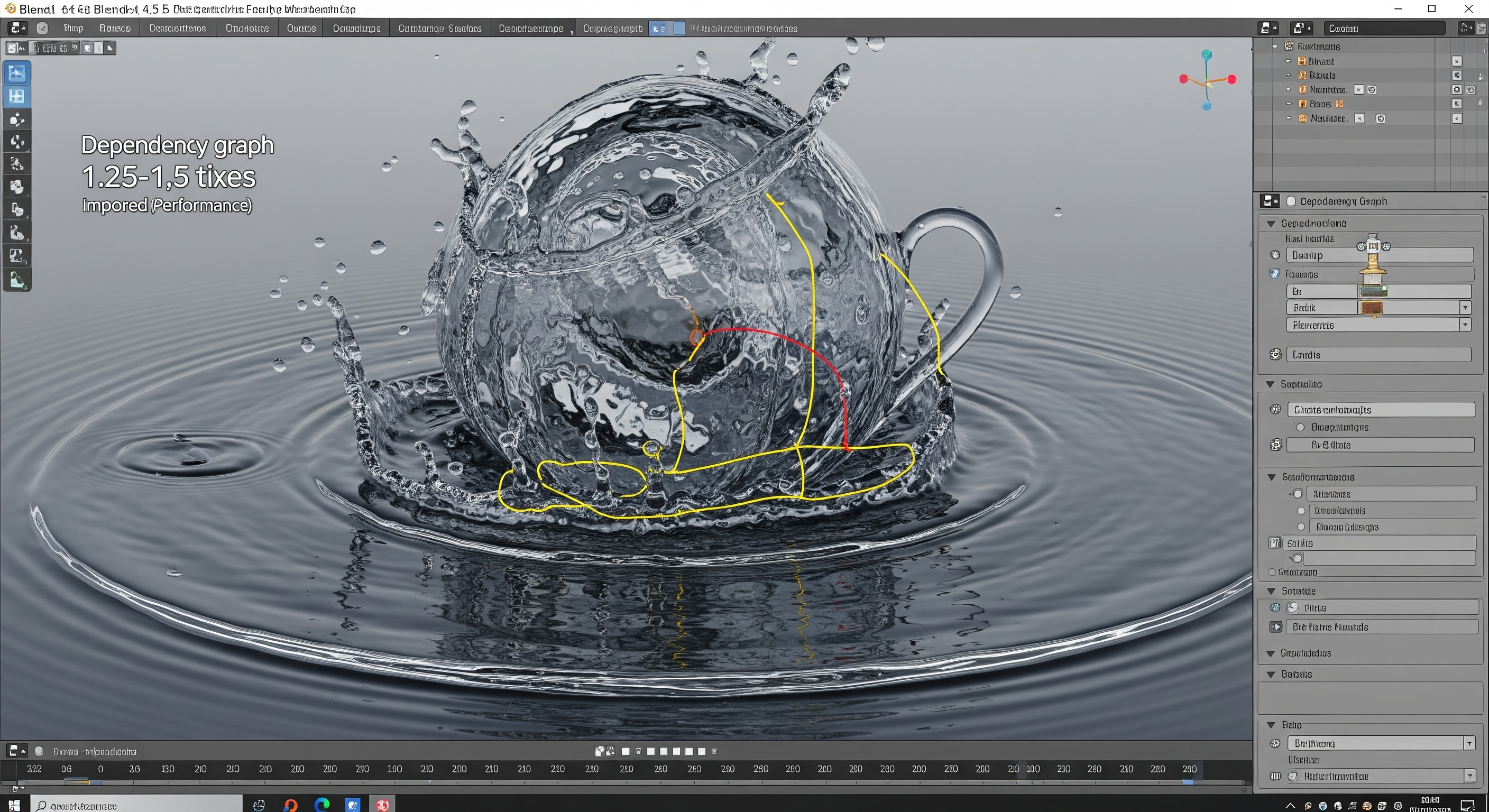
7. Physics & Simulation
Blender’s simulation tools are now more efficient than ever.
Liquid simulations are now 1.25-1.5x faster.
Volume attribute interpolations and the dependency graph have seen a 16-18% speed increase.
8. UI / UX & Quality-of-Life Improvements
The user interface and experience have been refined to improve workflow.
Support for horizontal scrolling, reorganized menus, and better tablet pen support.
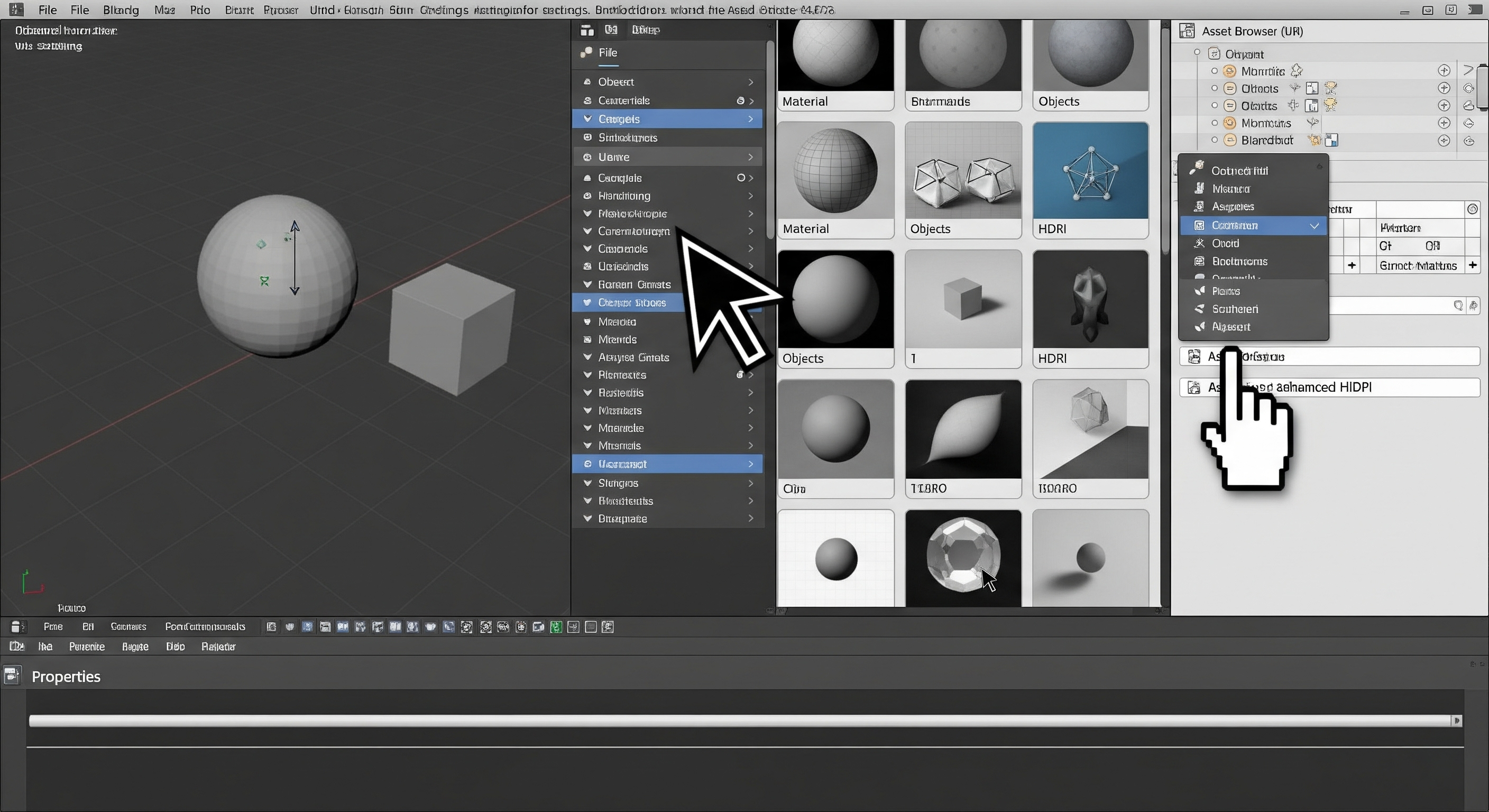
The Asset Browser now includes image previews, drag-and-drop functionality, and a horizontal list view.
Large cursors for HiDPI on Linux and a Shadow Terminator Bias to eliminate artifacts.